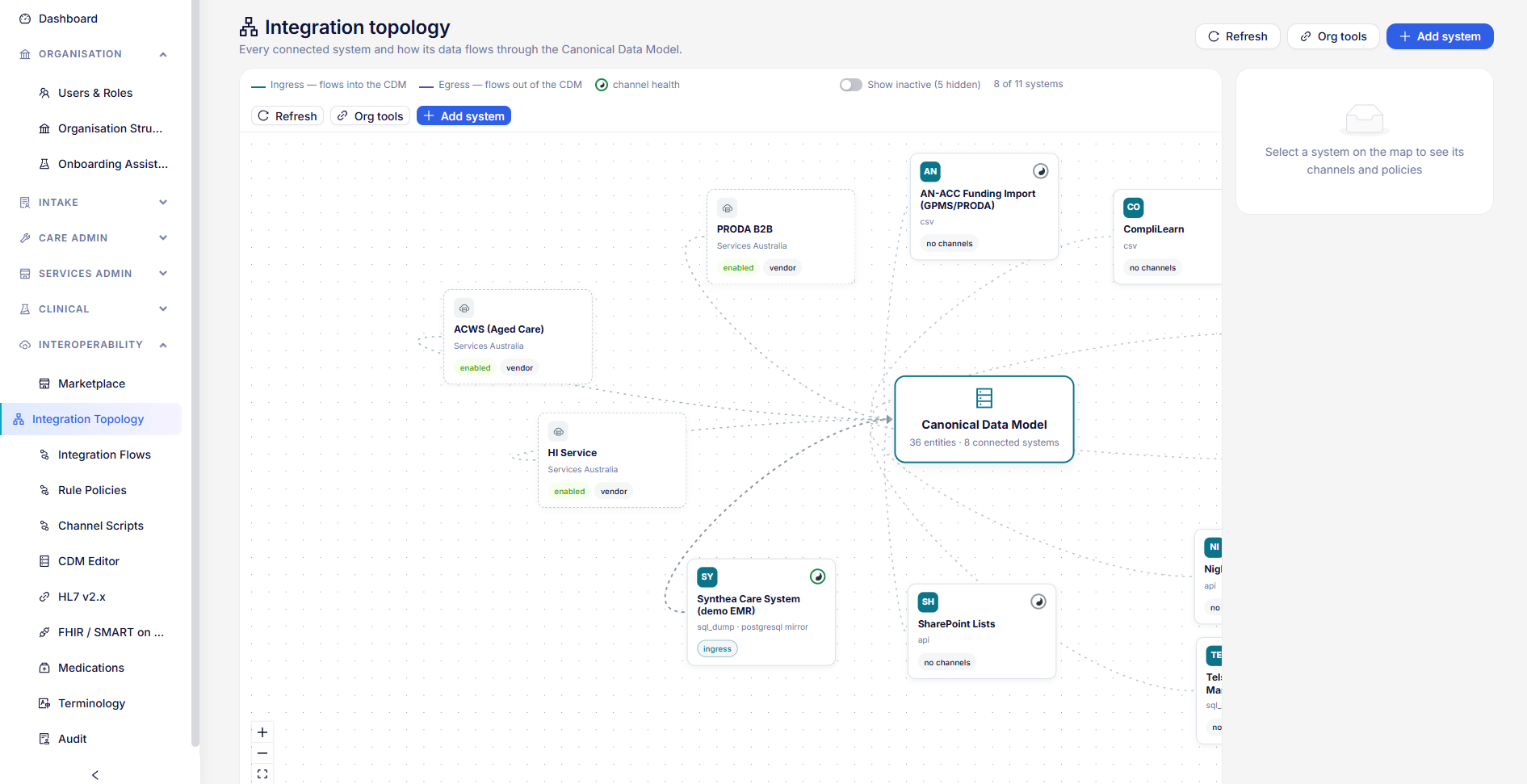
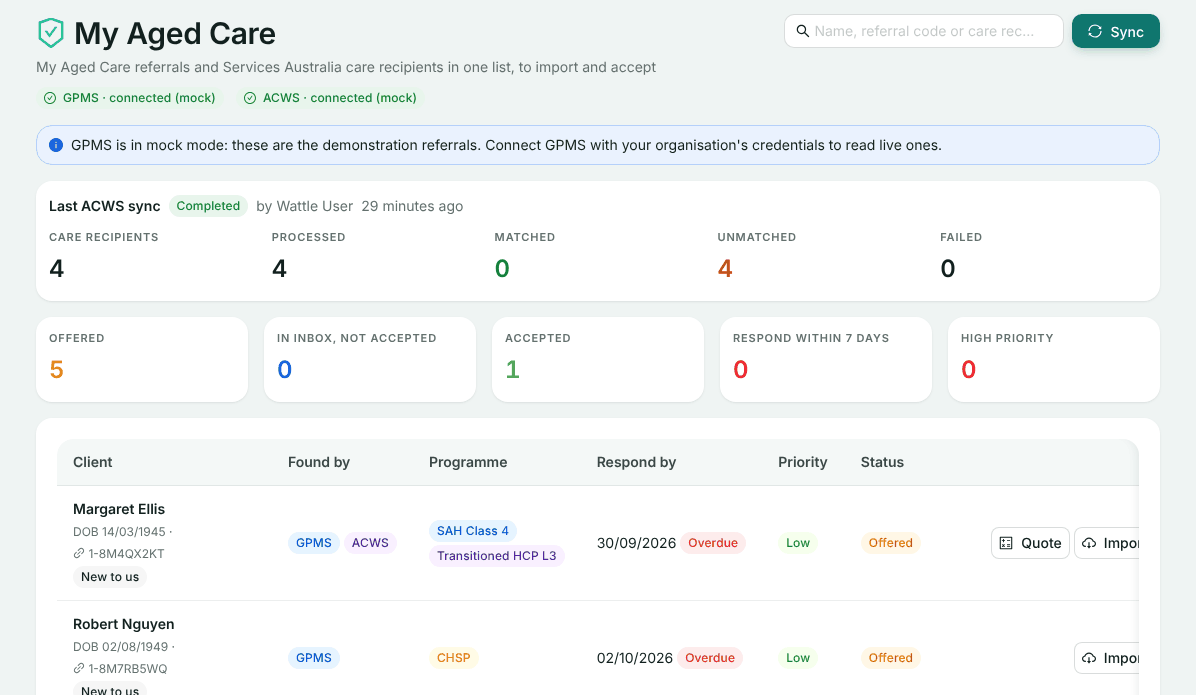
The My Aged Care screen
Your My Aged Care referrals and your Services Australia care recipients in one list: who has been offered to you, what is due, and who is already on record. Import, quote and accept from here.
Connect GPMS, ACWS or both
The pills at the top show whether each connection is working: connected, not connected (with a Set up link) or could not be read. Either connection is enough to start; each adds something:
- GPMS brings the referral itself: its referral code, the date to respond by, and its priority. See Connecting GPMS.
- ACWS brings the person’s classification from Services Australia, and matches them against people you already hold. See Connecting ACWS.
With both, each referral is joined to its care recipient. If GPMS is in mock mode, the screen says so: the referrals are demonstration ones.
Bring the list up to date
Choose Sync. It reads GPMS and starts an ACWS read, and says in one line what happened, for example how many referrals were offered, or that GPMS was skipped because it is not connected. The Last ACWS sync card shows how many care recipients were read, matched and unmatched, and any that failed.
Reading the list
The tiles across the top count referrals Offered, In inbox, not accepted, Accepted, those to respond to within 7 days, and those marked high priority. Search by name, referral code or care recipient ID.
- Client: date of birth, and Known person if they match someone you hold, or New to us.
- Found by: GPMS, ACWS, or both.
- Programme: CHSP, the Support at Home classification, or a transitioned Home Care Package level.
- Respond by: flagged Overdue, Today, or the days left.
- Status: Offered, In inbox, Accepted or Declined.
Open a row to see the referral and the care recipient side by side.
Import, quote and accept
Import
On an offered referral, choose Import to bring it into the Quotes inbox. If the person is new to you, they are registered; if they match someone you hold, the referral goes on that record and no duplicate is made.
Quote
For Support at Home, Quote opens Quote from ACWS already filled in with the person’s details. It appears once their care recipient id, surname and date of birth are known. See Support at Home quotes.
Accept
On a GPMS referral, choose Accept and confirm. For Support at Home, this lodges an entry event with Services Australia; for CHSP, the client becomes active on CHSP. You can then open the referral, record the Notice of Decision, or build the quote.
If something goes wrong
- Connect My Aged Care to see your referrals here: neither connection is set up yet. Choose Set up GPMS or Set up ACWS.
- No Quote button: the person’s care recipient id, surname or date of birth is not known yet. Connect ACWS and sync.
- No Accept button: accepting needs a GPMS referral. A person found by ACWS alone has no referral to accept.
- An ACWS sync is already running: wait for it to finish, then sync again.
Still stuck? Email support@healthos.net.au