Every referral in one inbox, funding checked before you call
Email, phone, fax and portal referrals land in one place, from a specialist’s request for admission to a GP letter. Support at Home referrals arrive straight from Services Australia with the assessment and budget already filled in.
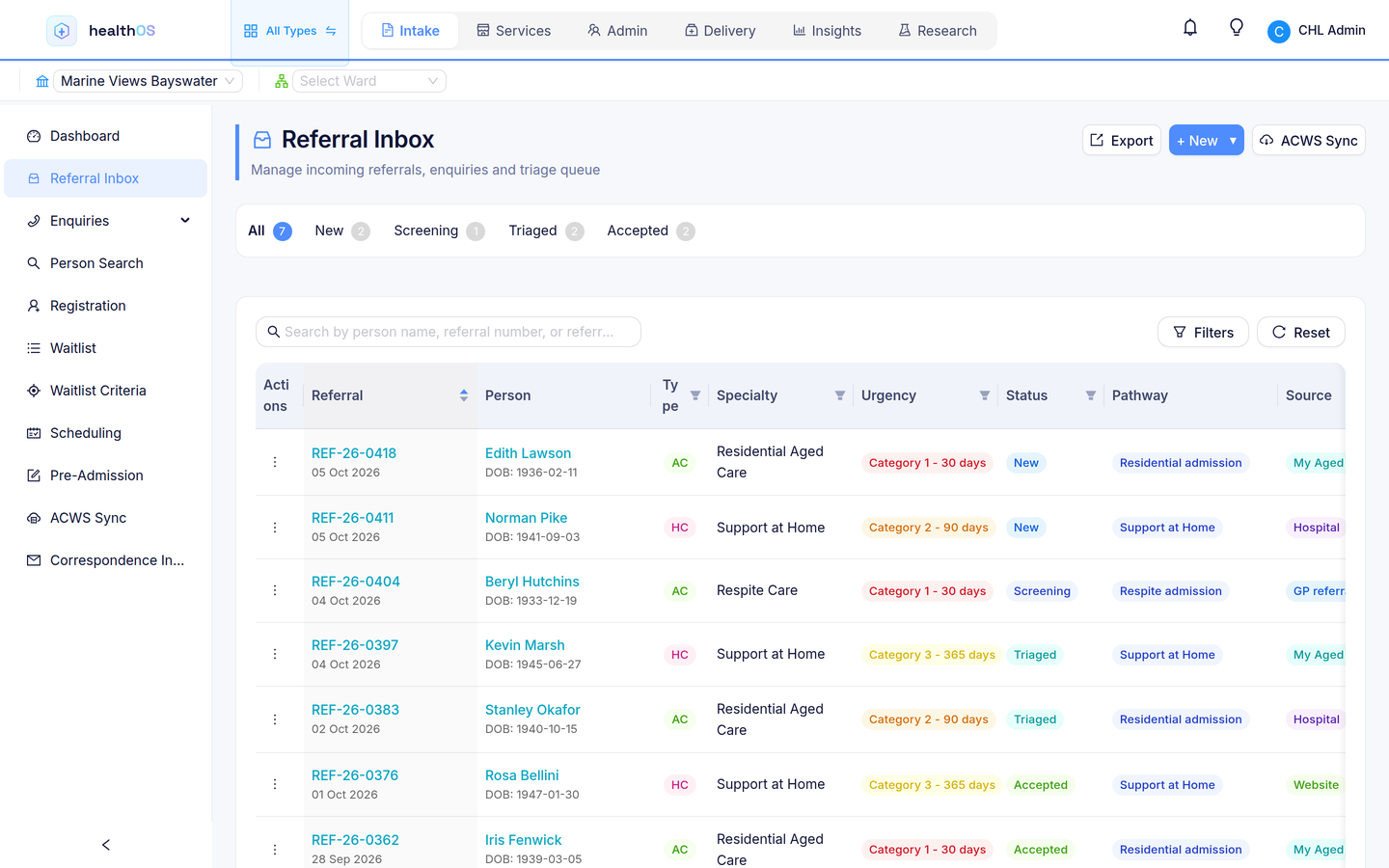
Specialists’ requests for admission, GP letters and referral emails in one inbox, with IHI, Medicare and DVA checked on the way in.
Support at Home referrals sync from My Aged Care and Services Australia. One coordinator view spans Support at Home, CHSP and DVA, with budgets alongside.
My Aged Care referrals, hospital discharges and waitlists for permanent and respite places.
From first contact to admission, without re-keying
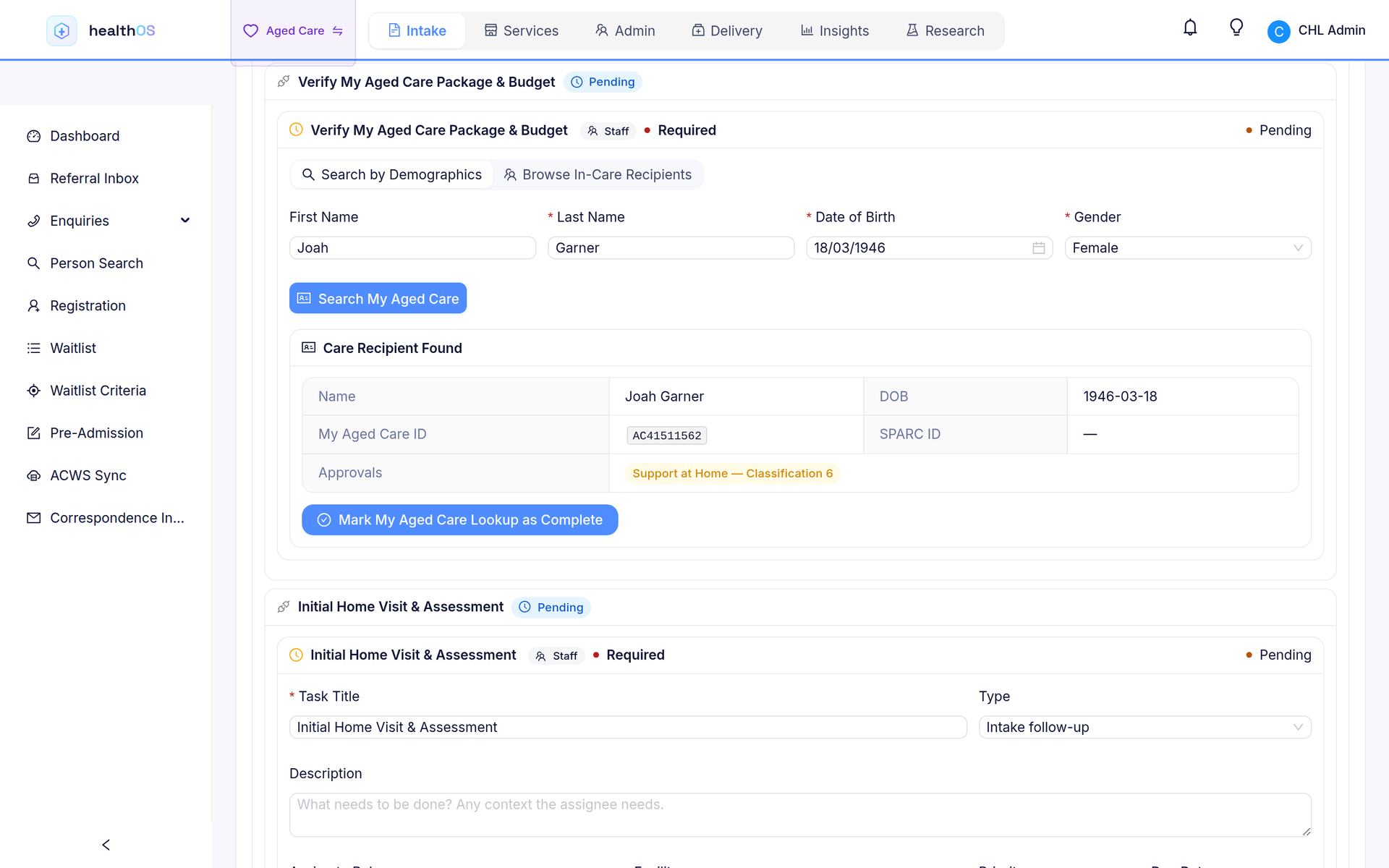
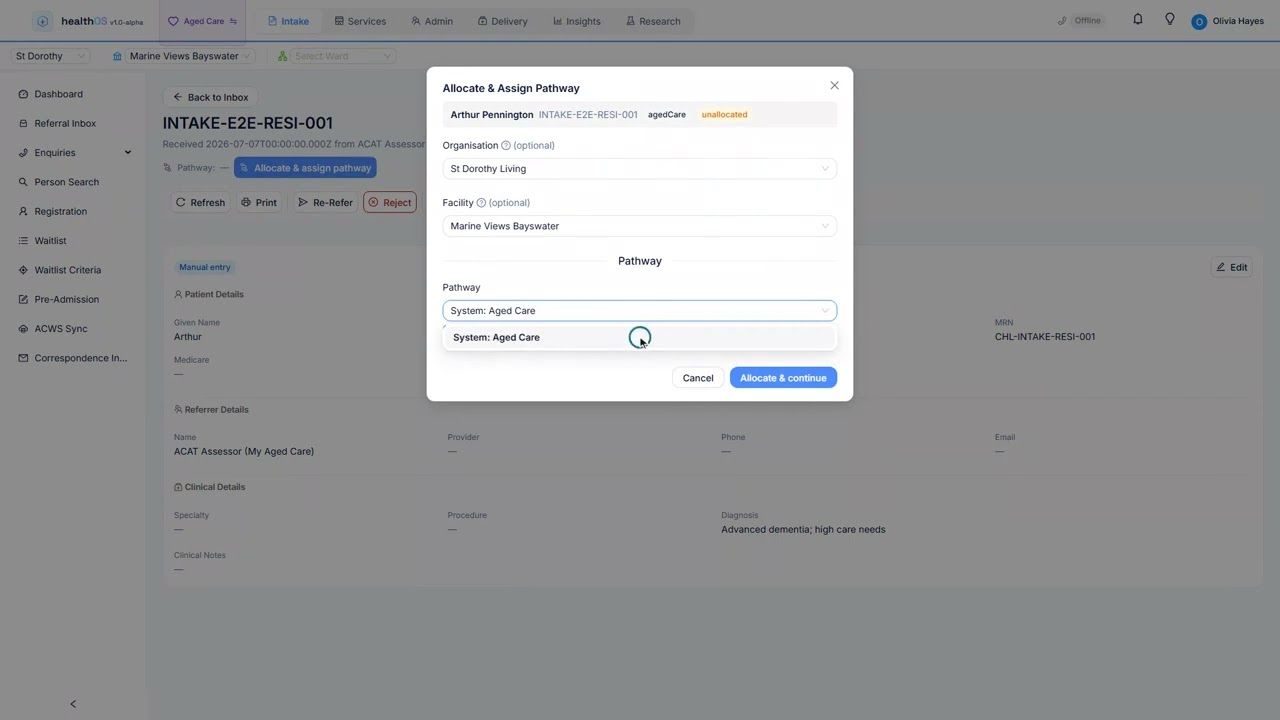
Support at Home referrals, already filled in
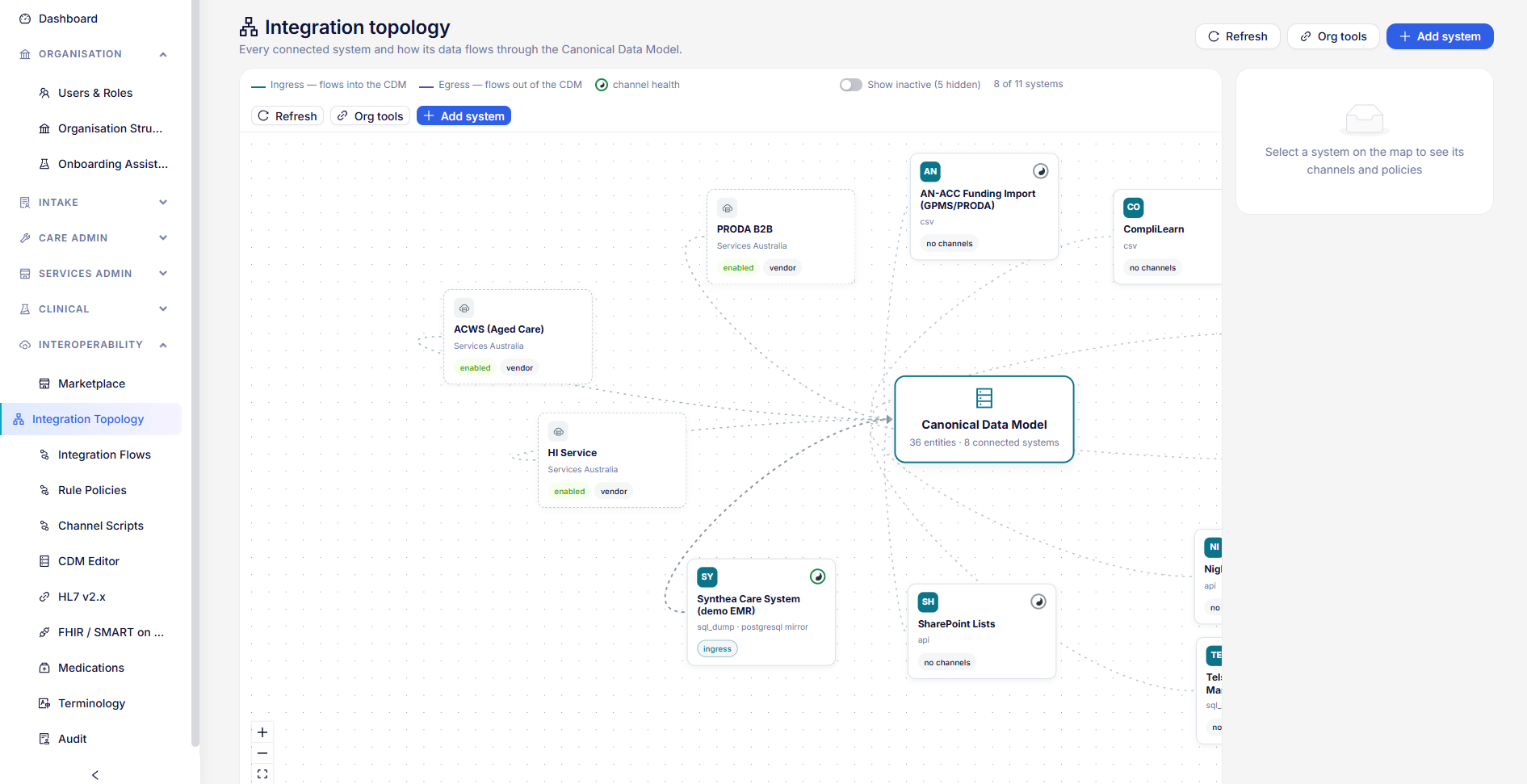
Referrals sync from My Aged Care through GPMS and from Services Australia’s Aged Care Web Services, whichever your organisation is connected to, in one list. HealthOS matches the care recipient to an existing record or creates one, with the assessment and budget prefilled. Few systems take these feeds directly.
- Care recipient matched or created
- Assessment and budget prefilled
- Starts your intake pathway straight away
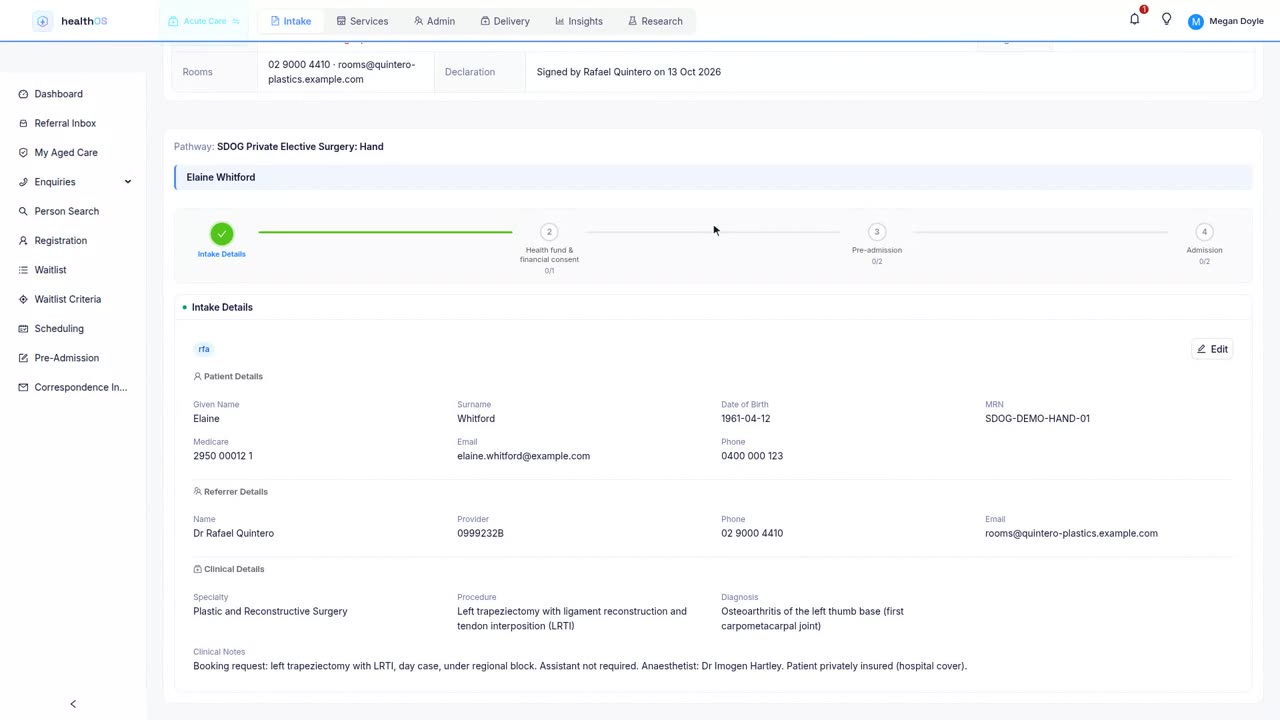
Requests for admission, straight from the rooms
Each visiting surgeon’s rooms gets its own link, and the practice manager books from it the way they would fill in a paper request for admission, with no account to set up. The request lands in the referral inbox with the surgeon already named.
Pre-admission done before the patient arrives
The patient opens one emailed link, with no password, and completes their health questionnaire and admission forms from home. They sign their informed financial consent there too, against a numbered estimate worked out from the MBS fees for the listed items, the fund’s contracted rates and their own excess from the fund eligibility check.
- Medicare, DVA and IHI checked before admission
- Numbered estimates, signed electronically
- Cases booked onto theatre sessions from the pre-admission
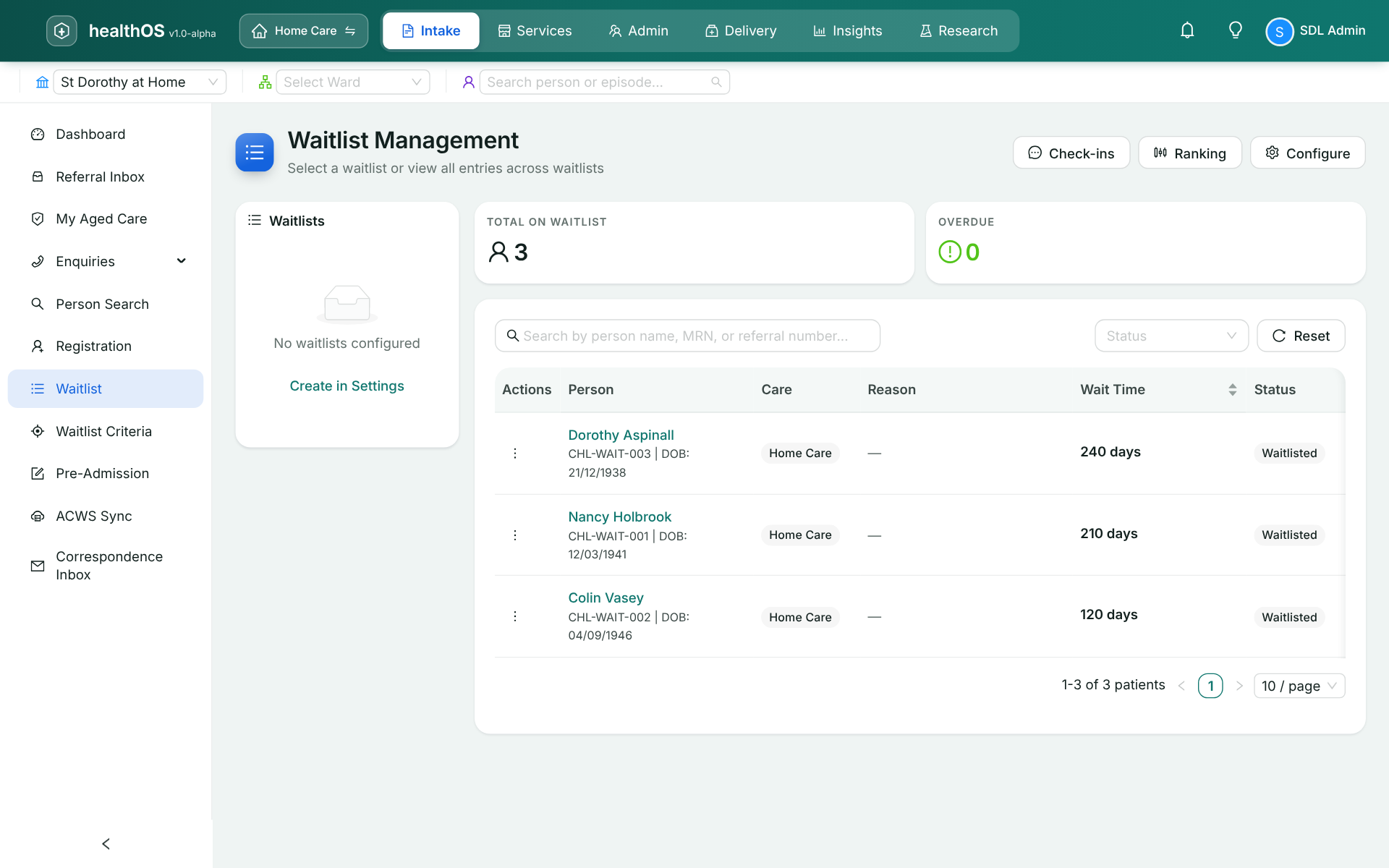
A waitlist that keeps itself tidy
Keep separate waitlists for residential, respite, home care packages and outpatients, each with its own priority score and target times. If another provider admits someone, their referral is marked accepted elsewhere and you’re told. When a place frees up, the next person moves to pre-admission, and hospital cases are booked onto theatre lists from there.
Your intake steps, built without code
An operations lead can build a Support at Home intake pathway in an afternoon: referral, eligibility, assessment, agreement and onboarding, with Medicare validation and a budget check along the way. The same designer builds a private hospital’s elective surgery pathway, from consent and the pre-anaesthetic form to the bed. Converting a referral admits the person without typing anything again.
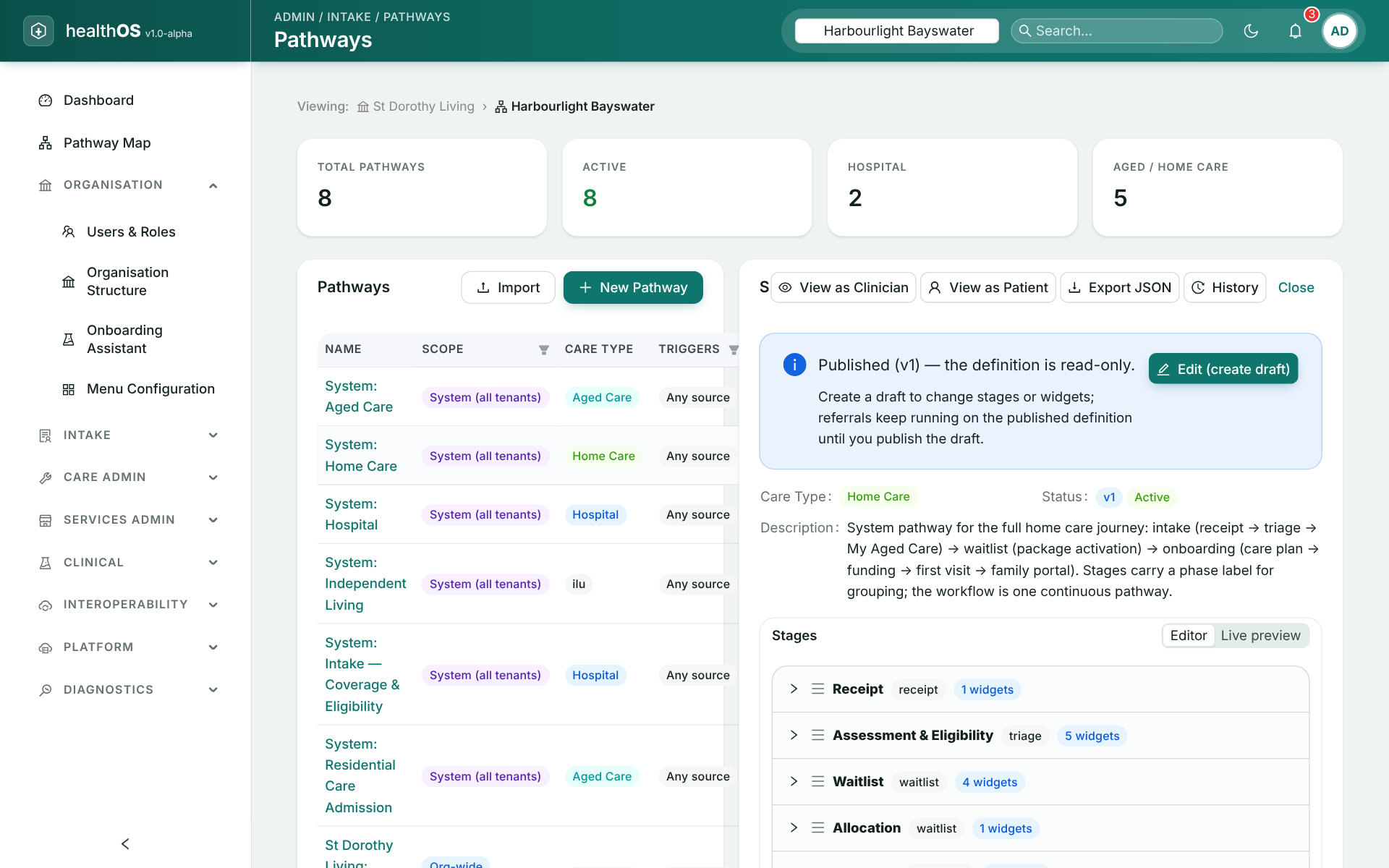
Identity checked at the front door
IHI lookups and Medicare and DVA validation run at intake through the Healthcare Identifiers Service. Public intake forms create the person record themselves, capture e-signatures and meet WCAG 2.1 AA.
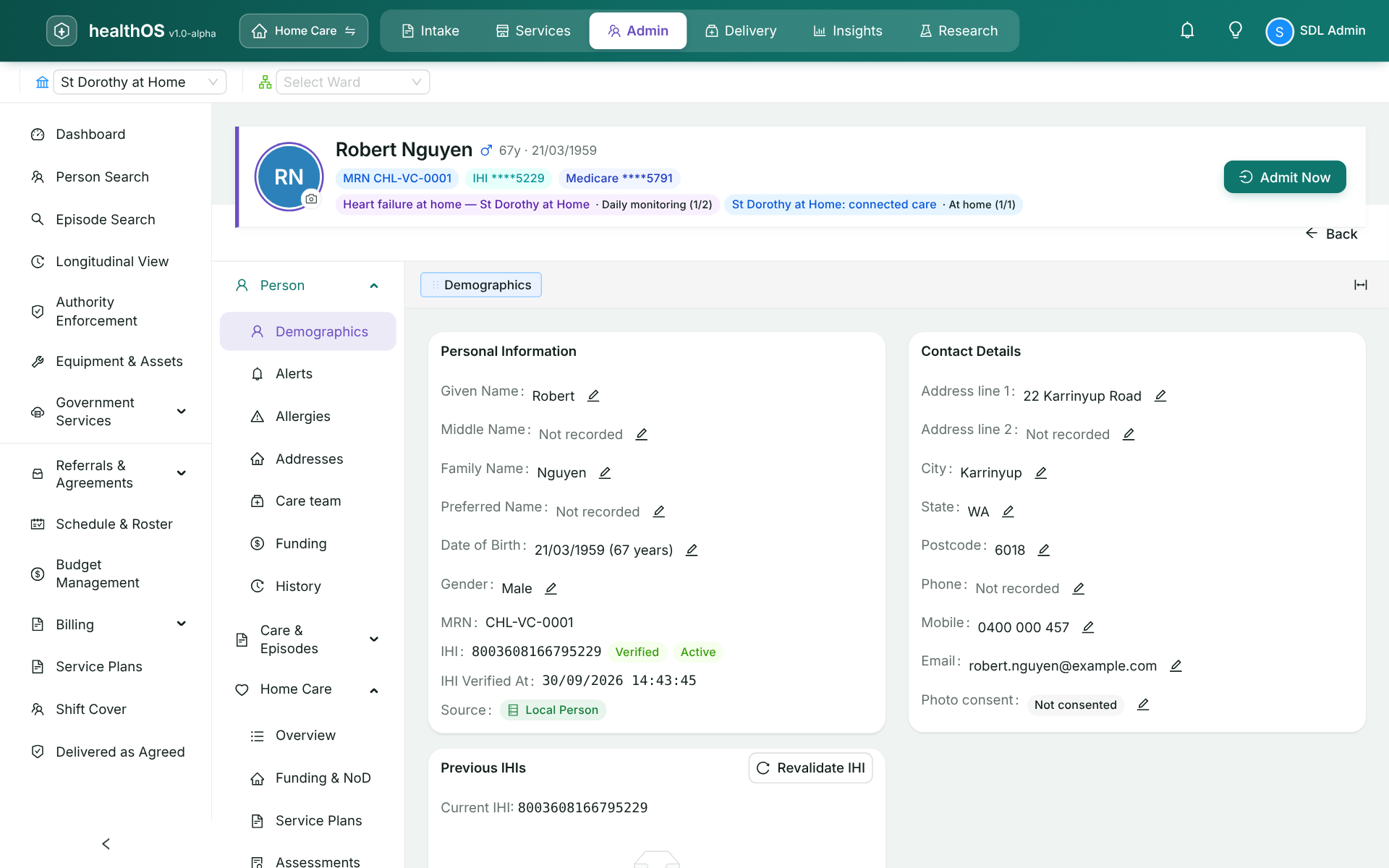
The caller’s record opens before you answer
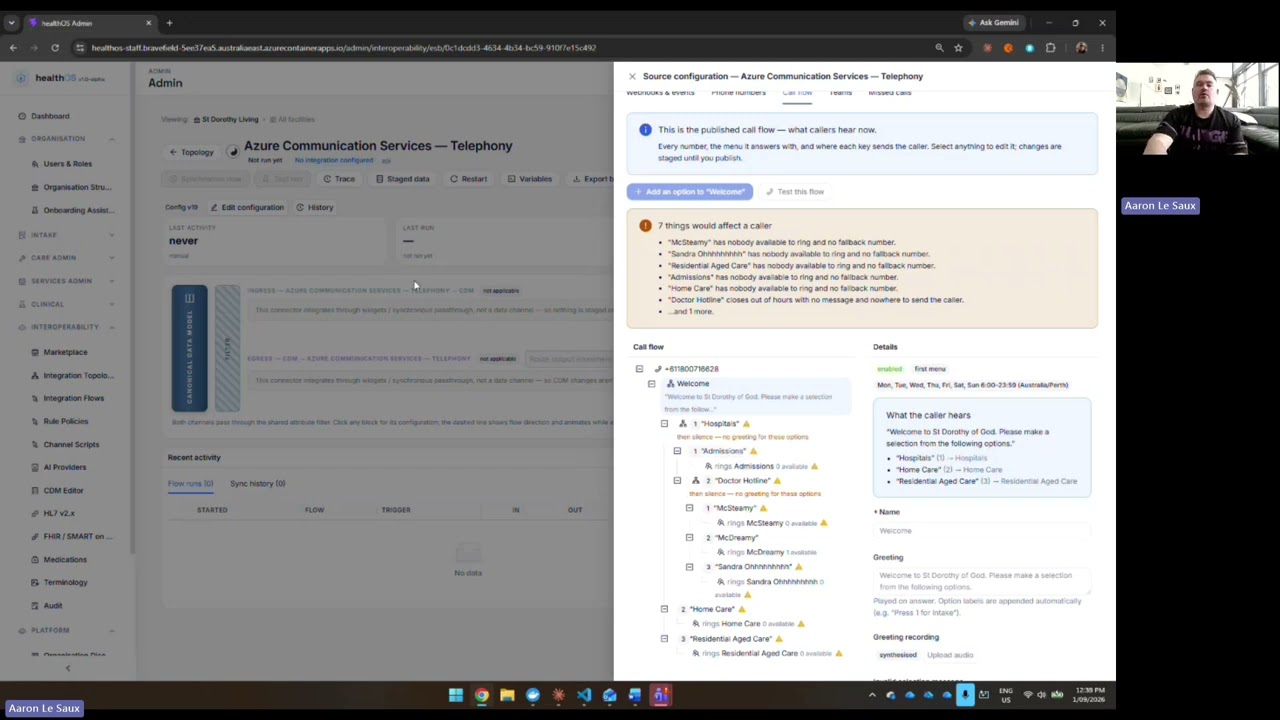
Your phone number lives in your own tenancy, with call menus, hunt groups and presence. Calls ring in the collaboration app your team already uses, and the caller’s record opens on screen, including when it’s a family member calling. Live transcription and AI call notes are in development.
See it in action
Elsewhere in the care circle
Bring us your messiest referral
We’ll show you where it would land in HealthOS and what happens next.